Note 01
Capture a memory
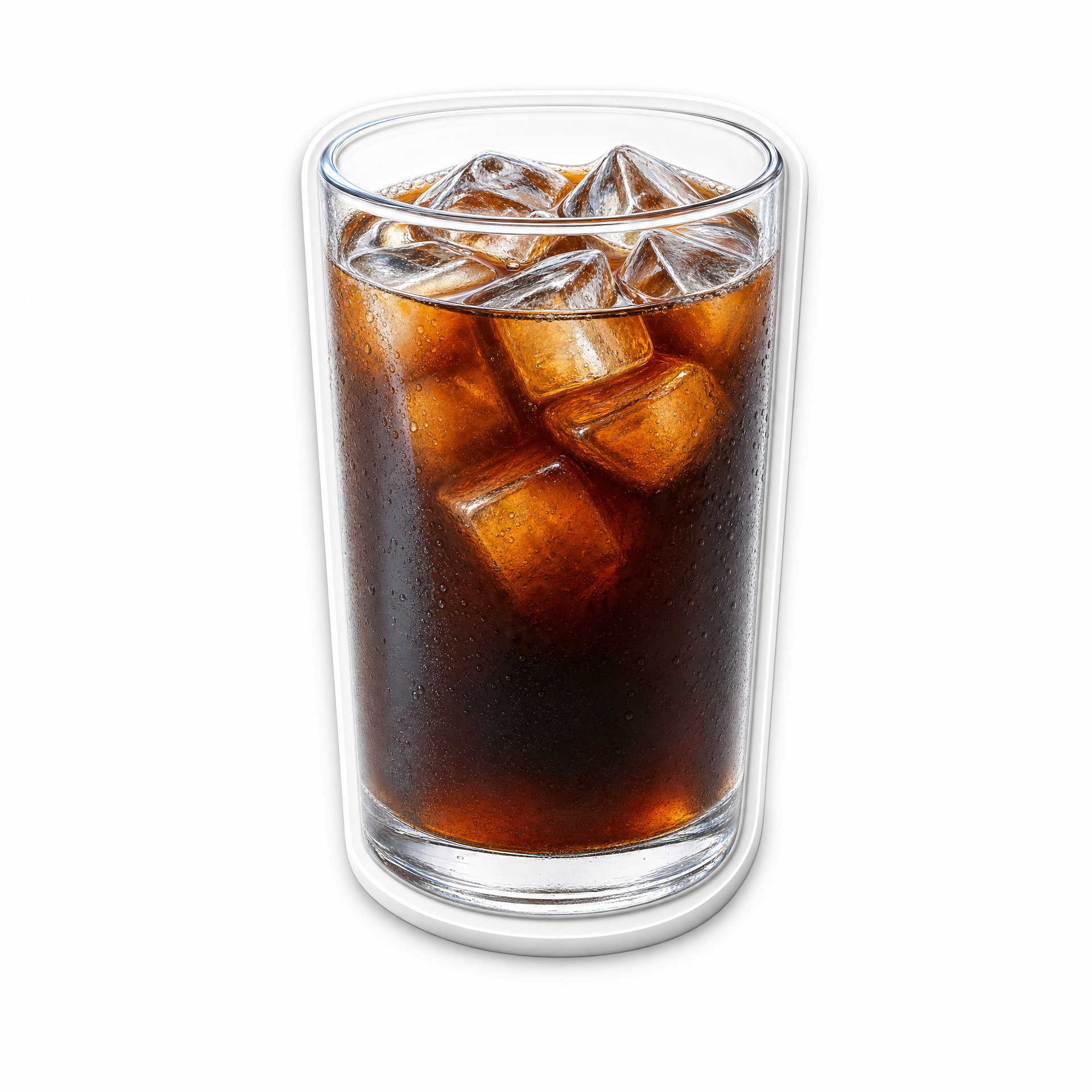
Open the camera tab, take a photo or choose one from your library, then let Sipday create a sticker.
Support / 02
Find quick answers below, or contact us with your device model, iOS version, and a short description of what happened.
Note 01
Open the camera tab, take a photo or choose one from your library, then let Sipday create a sticker.
Note 02
Choose a drink type, refine the moment with a note, date, and place, then save it to your calendar.
Note 03
Your memories are yours. Use the app’s delete controls whenever you want to remove a saved record.
Common questions
Sipday needs permission only when you choose to add a drink memory. You can change access later in your device Settings under Sipday.
Capture or choose a photo, then continue from the New memory screen. Sipday isolates the drink and creates a white-edged keepsake sticker.
Open a saved memory from your calendar or collection and choose delete. Deleted records no longer appear in your Sipday collection.
Choose a digital drink from your collection, then gently tilt your iPhone. The liquid, ice, and bubbles respond to motion. Use Refill to start again.
Still need a hand?
Email us with a screenshot and the last action you took. We’ll use the details to help you find your way back to the moment.
wonderful563@gmail.com ↗